What you need to know to build with coding agents, if you’re not technical
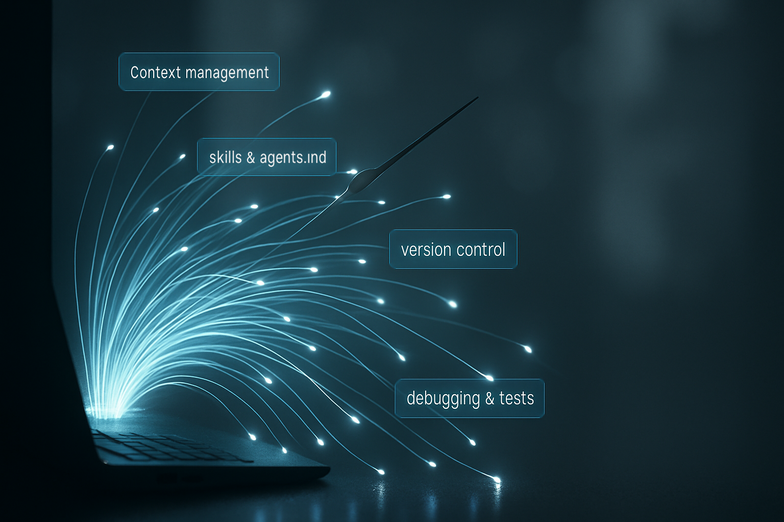
What you need to know to build with coding agents, if you’re not technical
Ben Tossell pulled together a practical primer in a concise X thread, and it’s worth a read if you’re curious but not deep into developer land. Read the original here: https://x.com/bentossell/status/2014348465086595557
In plain terms, Tossell walks through the building blocks you’ll bump into, starting with the simple distinction between local (on your computer) and remote (in the cloud). He explains terminals, directories and paths, and why a tiny command like cd can matter. Then he breaks down what coding agents actually are: LLMs that can run tools, edit files, and sometimes even click around in a browser for you.
A few key takeaways:
– Look for AGENTS.md or CLAUDE.md, those files tell the agent how you want it to behave.
– Skills are reusable workflows, think of them like templates that do the boring bits for you.
– Context windows are limited, so give the agent the right bits of information (not everything at once).
– Git, .env files and package managers (npm, pip) are the plumbing — they keep your work safe and your secrets private.
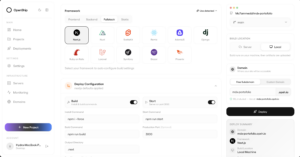
Tossell also covers practical stuff most people panic about, like reading errors, using Chrome DevTools, running a project on localhost, and deploying to services like Vercel. He recommends telling the agent to write a failing test first, then fix the code, which is a neat way to make sure a fix really sticks.
If you’re learning by doing, this thread acts like a friendly tour guide. It doesn’t require memorising everything, just knowing what each piece does. Try a small project, let an agent help you, and add instructions as you go, because these tools get smarter when you teach them your habits. The future’s bright, practical, and a lot less scary than it looks.







Kommentar abschicken