GitHub – ringhyacinth/Star-Office-UI: A pixel office for your OpenClaw: turn invisible work states into a cozy little space with characters, daily notes, and guest agents. Code under MIT; art assets for non-commercial learning only.
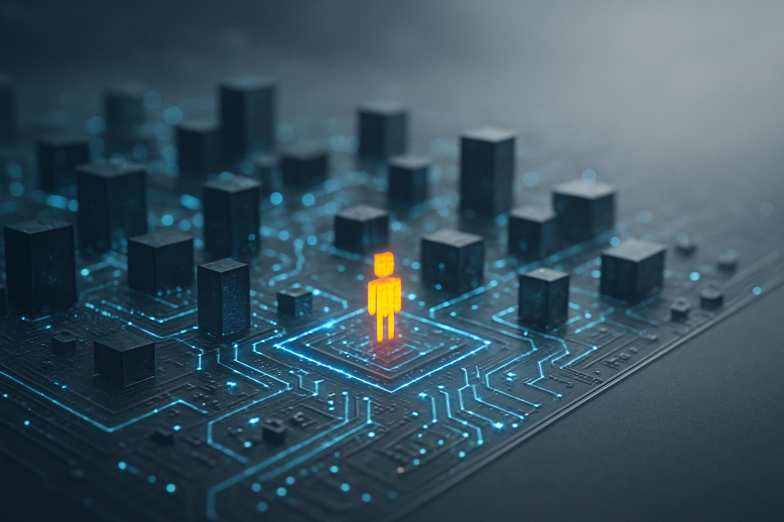
**Star Office UI turns your AI workflow into a living, breathing pixel office**
Have you ever wished you could actually *see* what your AI assistant is doing?
Not logs. Not status messages. I mean something you can glance at and instantly understand.
That’s exactly what Star-Office-UI on GitHub brings to the table.
It’s a cozy, pixel-style office dashboard designed for OpenClaw users. Instead of invisible background processes, you get little characters walking around an office. When an agent is working, it moves to a specific area. When it’s idle, it goes somewhere else. You can see who’s online, what they did yesterday, and what they’re doing right now, all by opening a simple local webpage.
And yes, it runs locally. You spin it up, open http://127.0.0.1:19000, and suddenly your AI doesn’t feel abstract anymore. It feels… present.
I remember the first time I tried a visual dashboard for background systems. It changed everything. Instead of guessing whether something was stuck or running, I could *see* movement. That tiny shift reduced so much mental friction. Star Office UI taps into that same psychology. We’re visual creatures. A pixel character walking across a room says more than a line in a terminal.
Technically, it requires Python 3.10+ and can be deployed publicly via Cloudflare tunnels if you want to share it. There’s also a desktop pet version built with Electron, currently tested mainly on macOS. Imagine your AI office floating on your desktop like a transparent companion. Slightly nerdy, yes. Also kind of wonderful.
The code is MIT licensed, but the art assets are for non-commercial learning only, so if you’re building something commercial, you’ll need your own visuals.
What I love most is the direction this points toward. AI tools are becoming teammates. And teammates need spaces. Star Office UI quietly suggests that the future of human-AI collaboration might feel less like command lines… and more like shared rooms.



Kommentar abschicken