How a DoorDash PM Uses Claude Code to Support a Team of 20 Without Becoming the Help Desk

**How One PM Supports 20 People Using Claude Code**
Have you ever felt like your job slowly turns into answering the same questions over and over again?
That’s exactly the bottleneck Hannah Stulberg, a Product Manager at DoorDash, set out to fix. In this video, she walks through how she uses Claude Code to support a team of 20 people without becoming the human help desk. You can watch the full breakdown here: https://youtu.be/0UArKLQ6bXA?si=llqvRxpxsARn99eV
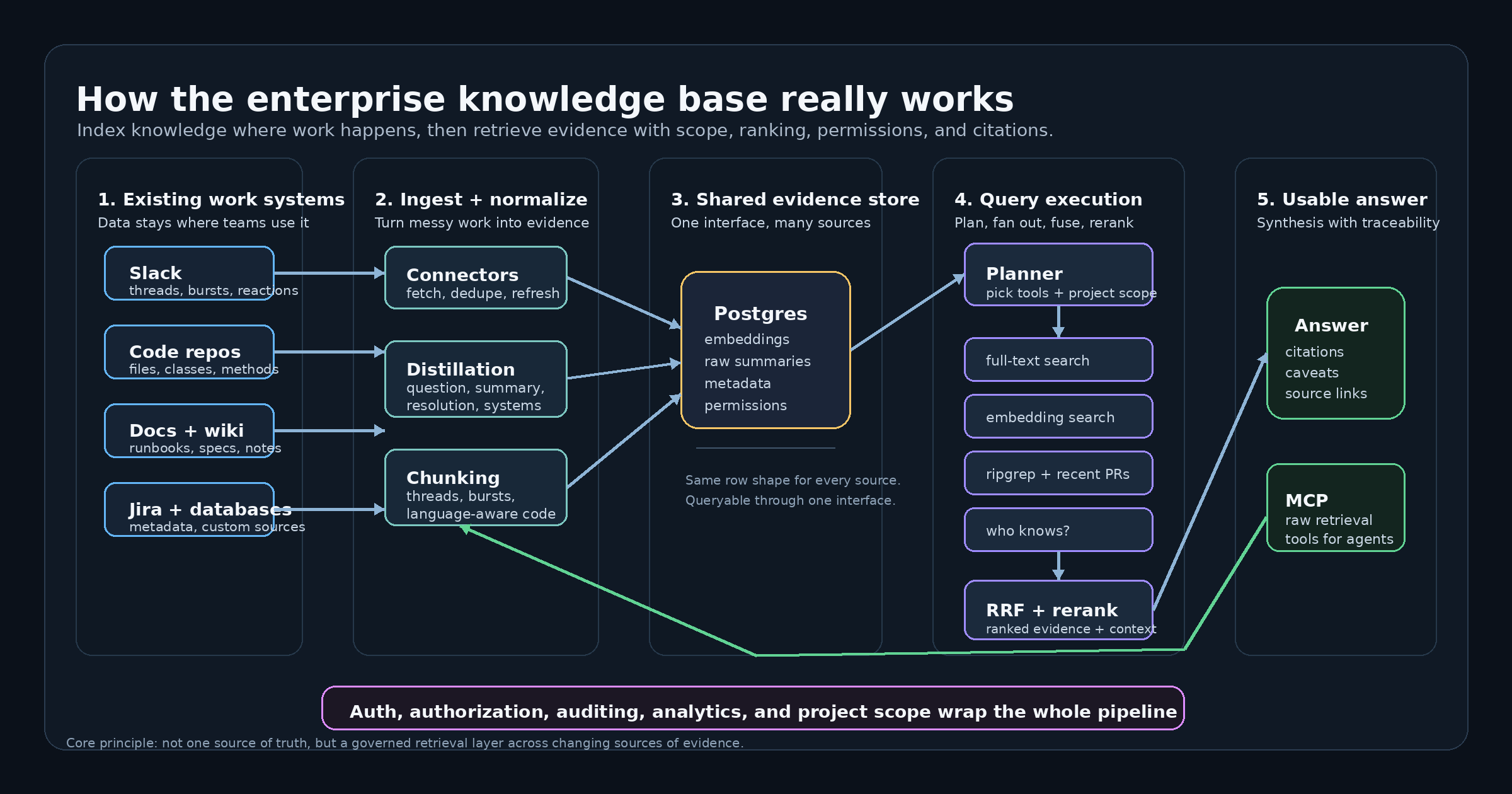
At the heart of her approach is something she calls a **“Team OS.”** Not a personal productivity system. Not a secret PM dashboard. A shared repository where engineers, designers, and analysts can self-serve context, metrics, documentation, and workflows.
And honestly, that shift changes everything.
Instead of hoarding knowledge in Slack threads and someone’s memory, she structures it around a simple but powerful idea: **context should load progressively.** A concise root CLAUDE.md file acts like a map of the world. Then nested files load only when needed. Think of it like walking into a library with a clear index instead of dumping every book on the table at once.
One detail I loved? Launches aren’t “done” until the documentation, metrics, queries, and playbooks are committed to the repo. That small rule builds discipline. It forces clarity. Over time, it compounds.
She also shares practical tactics, like splitting analytics by product area, using verified playbooks to reduce AI hallucinations, and a structured “plan mode” for generating high quality documentation. For longer docs, she even runs parallel AI agents and then orchestrates them into a final version. It’s systematic, not chaotic.
What really stands out is the flywheel effect. Each automation frees up time. That time gets reinvested into improving the system. And over 1,500 hours, the gains stack up quietly.
If you manage products, teams, or even just complex projects, this feels like a glimpse of how we’ll work going forward. Less gatekeeping. More shared intelligence. And a lot more leverage.




Kommentar abschicken