GitHub – szczyglis-dev/py-gpt: Desktop AI Assistant powered by GPT-5, GPT-4, o1, o3, Gemini, Claude, Ollama, DeepSeek, Perplexity, Grok
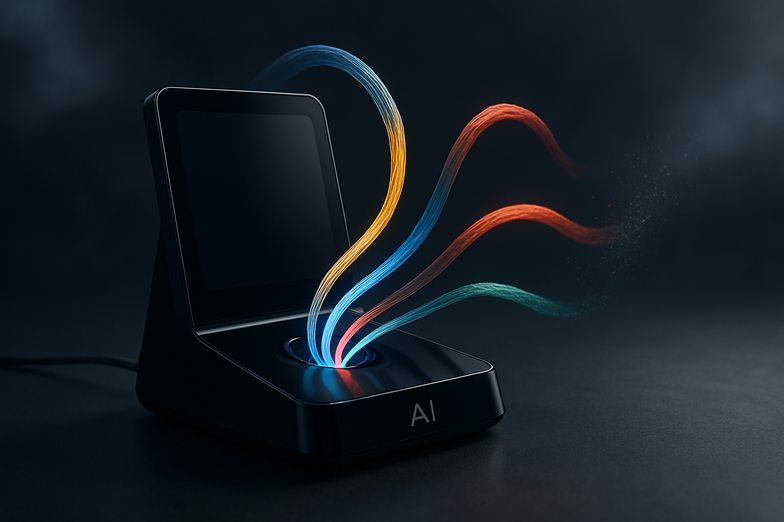
Meet PyGPT, your desktop AI assistant that actually tries to make life easier
If you’ve been juggling multiple AI tools and wish they would just get along, PyGPT brings a lot of them under one roof. Built to talk to GPT-5, GPT-4, o1, o3, Google Gemini, Anthropic Claude and many more, it’s a multi-modal assistant for chat, vision, voice, RAG, image and video generation, agents, plugins, system commands and beyond. Yes, it’s a lot, and honestly it’s refreshing to see so much in one place.
A bit of context: the project is actively maintained (release 2.6.65, build 2025-09-28) and the team listens to feedback, so features keep evolving. You can find the repo here, if you want to peek under the hood: https://github.com/szczyglis-dev/py-gpt. The official site and downloads live at https://pygpt.net, and documentation is available at https://pygpt.readthedocs.io.
Practical stuff you’ll care about: binaries for Windows and Linux are ready to download from the download page. Mac users can run from PyPI or source. Snap and pip installs are supported, and there are instructions for audio, camera and GLIBC issues if you run into trouble (Linux can be finicky sometimes, I know). For voice, it supports Azure, Google, Eleven Labs and OpenAI TTS, plus Whisper and more for speech recognition.
Why this matters: PyGPT can automate workflows, generate and analyze images, run Python snippets, perform web searches and keep conversational memory, so it’s not just chat, it’s a toolbox. If you want one app that stitches LLMs, local models via Ollama, plugins and system commands together, try it out, tinker with presets and see what fits your daily flow.
If you’re curious, join the community on Discord or support the author at Buy Me a Coffee. The future looks modular, and PyGPT is a solid step toward having smarter, more practical desktop assistants.
——————————
Kurz und knapp auf Deutsch
PyGPT ist ein Desktop-Assistent, der viele KI-Modelle zusammenbringt, unter anderem GPT-5, GPT-4, Google Gemini, Anthropic Claude und lokale Modelle über Ollama. Er kann chatten, Bilder und Videos generieren, Sprache erkennen und synthetisieren, Web-Suchen durchführen, Dateien verwalten und sogar Systembefehle ausführen. Kurz gesagt, ein Multi-Tool für KI-gestützte Aufgaben.
Das Projekt ist aktiv, aktuelle Version ist 2.6.65 (Build 2025-09-28), die Entwickler lesen Feedback wirklich mit. Den Quellcode findest du hier: https://github.com/szczyglis-dev/py-gpt, die Webseite ist https://pygpt.net und die Dokumentation unter https://pygpt.readthedocs.io.
Praktische Hinweise: Es gibt vorgefertigte 64-Bit-Binaries für Windows und Linux auf der Download-Seite https://pygpt.net/#download. macOS erfordert Installation über PyPI oder Quellcode. Snap- und pip-Installationen werden unterstützt; für Linux sind Hinweise zu GLIBC, libxcb und Audio in der Doku enthalten, falls etwas klemmt (das passiert, ich kenne das).
Warum es nützlich ist: PyGPT vereinfacht Arbeitsabläufe, indem es mehrere Modelle, Sprachdienste, Dateizugriff und Plugins in einem Interface kombiniert. Probier es aus, spiel mit Presets und speicher wiederkehrende Konversationen. Wenn du Fragen hast, tritt der Community auf Discord bei oder unterstütze den Entwickler via Buy Me a Coffee.





Kommentar abschicken